Guides ·
Is your contact form actually working? A five-minute test
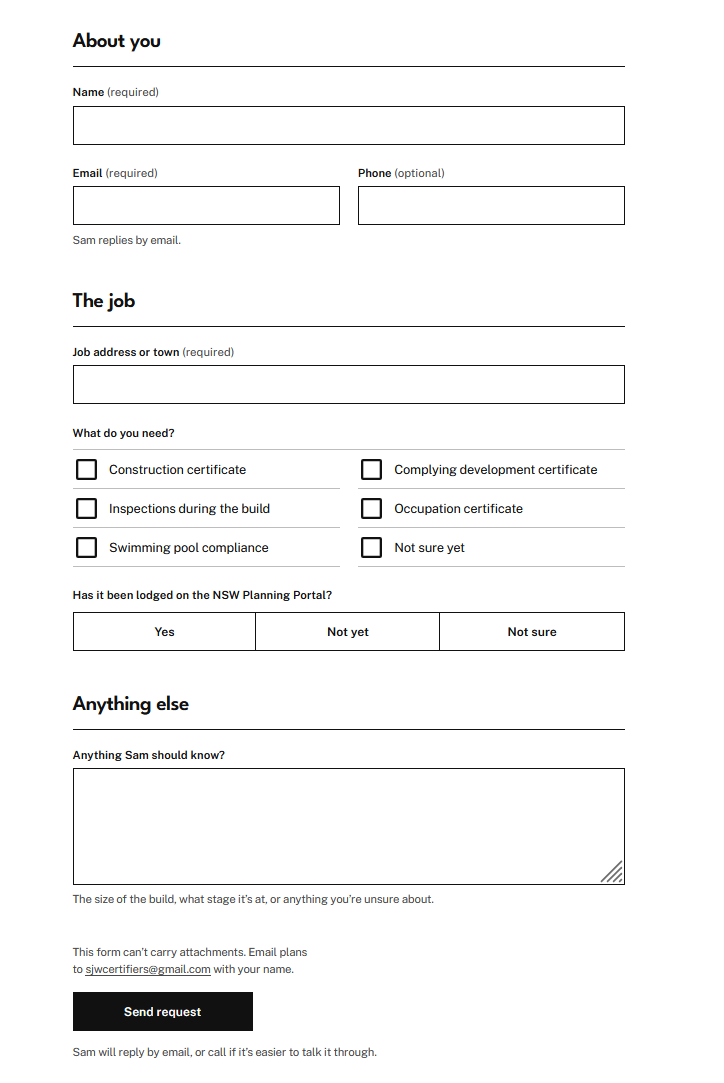
A broken contact form is the quietest problem a website can have. Nothing looks wrong. The page loads, the form is there, a visitor fills it in and presses Send, and they may even see "Thanks, we'll be in touch".
Then the message goes nowhere. Nobody gets an error. You just get fewer enquiries, and you put it down to a slow month.
We've seen it happen on sites that were working perfectly the year before. Here's why it happens, and a five-minute test to catch it.
Why forms stop working
A form isn't one thing. It's a chain: the page sends the message to a service, the service sends an email, and the email has to get past your inbox's spam filter. If any link breaks, the message is lost.
Some of the usual reasons:
The email address changed. The form still sends to an old address, or to a staff member who left.
Spam filters got stricter. Email providers tighten their rules every year. Messages from a form that used to arrive start landing in spam, or get blocked altogether.
Something was updated. A plugin, a hosting change, a new website theme. One small change can break the chain without anyone noticing.
The spam protection is too strict. Some forms block real people as well as robots.
The five-minute test
Do this once a month. Put it in your calendar.
Send yourself a real message. Use your phone, not your office computer, and an email address that isn't your business one. Write something you'll recognise, like "Form test, 23 November".
Time it. It should arrive within a few minutes.
Check spam and junk if it doesn't. If it's there, mark it as not spam, and tell whoever looks after your website, because your customers' messages are probably going there too.
Reply to it. Make sure the reply goes to the address you typed in the form, not back to your own website.
Check what the visitor sees. After sending, do they get a clear message saying it worked and when you'll reply?
If anything fails, don't wait for next month. Every day it's broken is a day of enquiries you never see.
A backup that costs nothing
Make sure your phone number and email address are on the contact page as well as the form, written out and tappable on a phone. Some customers prefer to call anyway, and if the form ever fails, they still have a way to reach you.
How we handle it
On the sites we build, we test every form before launch and after any change, and the messages are sent in a way that inboxes trust. We'd still rather you ran the monthly test too. It's the only check that proves a real message reaches a real inbox.
If your test fails, or you'd just like someone to look, get in touch. Or ring us, in case your form is the problem.